How it all started
Before this blog existed, the projects lived on a small HTML page. That page is no longer existing, so this post records what is left and how my programming journey started. The projects are from around 2009 and started on nokia's long gone Symbian mobile OS.

The team and the start
The first project started on www.symbian-freak.com, where two additional enthusiasts joined:
- AJ___92, programmer, author of this blog
- Arvis, close to the project from day one, but contact was lost over the years
- Jimmy94, model designer, still in contact till this day
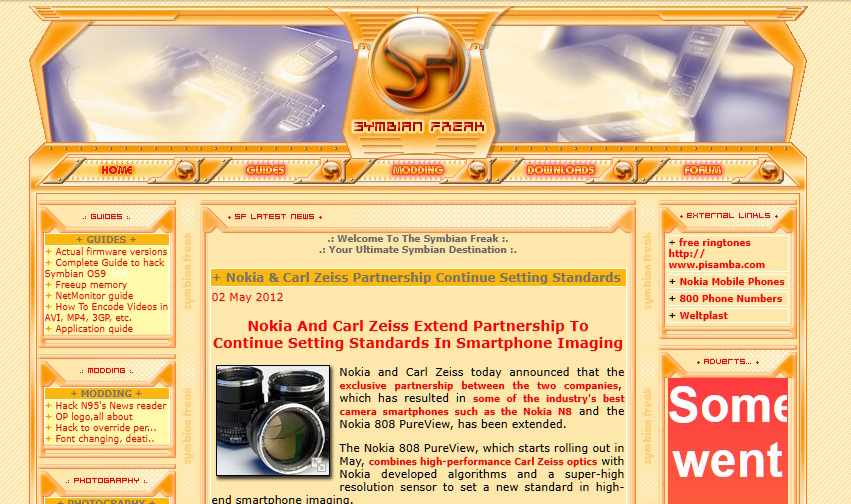
That website is dead for years now, but the wayback machine still hold on to a few captures.
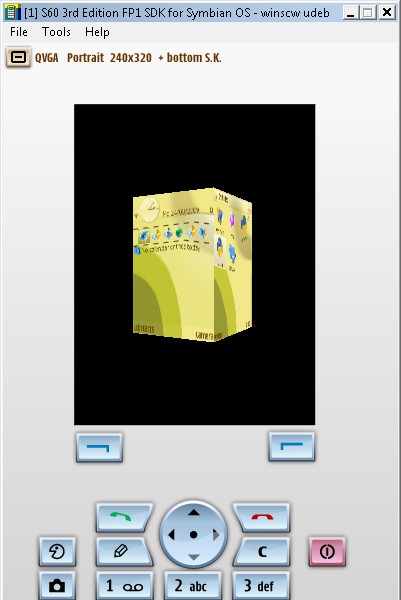
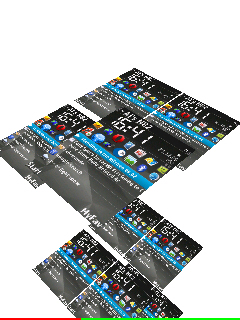
My first decent phone was the nokia N73 music edition, and with that device my first programming experiments began. The emulator shows the "homescreen" captured and rendered on a cube. Later the same is shown on the actual device. Amazing that the pictures where not lost over the time. Thx for data hoarding @Jimmy94.


3D PyEngine for S60
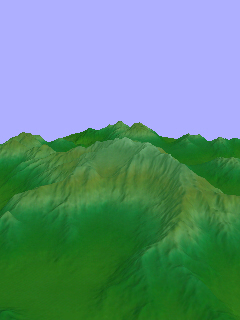
This is the ancestor of every later 3D project. The engine is written in Python and uses only standard Python modules. No additional module is needed. OpenGL renders the 3D objects through PyS60.
Requirements and tested runtimes:
- devices with more than about 30 MB free RAM run simple graphics without problems
- simple graphics means over 5 textures at 512x512 pixels and a few thousand triangles
- devices without hardware acceleration are slow for advanced graphics
- Python 1.4.5, 1.9.6 and 1.9.7 work perfectly, 2.0.0 works, but needs more RAM
Features of version 0.04:
- customizable fps value to lock the maximum framerate
- customizable frustum settings to configure the camera
- fog, not working on some devices
- camera position and rotation
- import of
*.objand*.mtlfiles with textures in any supported image format - masks for transparency, so textures can have invisible parts
- position, orientation and scale per mesh, plus texture scaling and movement
- console that shows important values and can be switched off
- keyboard class to recognize key presses
- touch events were expected but not tested, because no 5th edition device was available
- bluetooth connection for possible multiplayer games
- WLAN connection between PC and phone that acts as a console (
wlan console.py) - version 0.04 uses less RAM for textures
Installation:
The original domain is gone, so remove the updating part in the sources.
- engine_Lib.zip is the last available version
- create a folder called
Libine:\Python\, wheree:\is the card slot - copy
e_imp.pyande_core.pyinto it e_imp.pyimports and updates the main engine, ande_core.pyis the engine itself (url is dead)- a script then starts with
from e_imp import *. See pong tutorial for usage
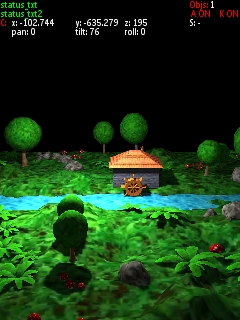
Pong tutorial
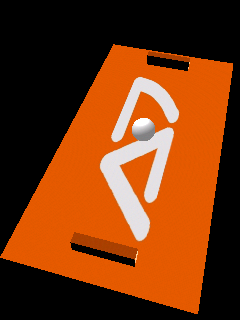
The only tutorial that survived from the old page is the super simple Pong example project. Everything else got lost over the time, like a few youtube videos.
- pong-tutorial.zip contains the example project
Racing game concept
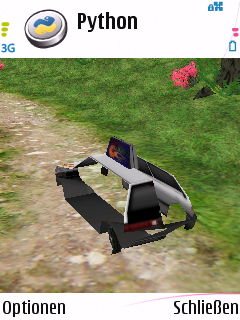
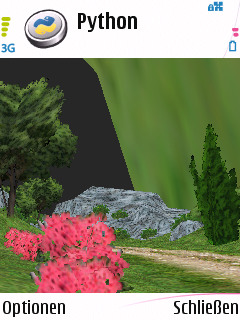
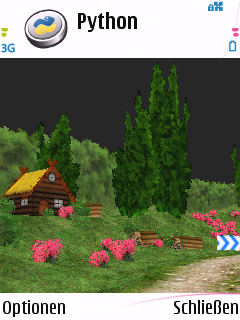
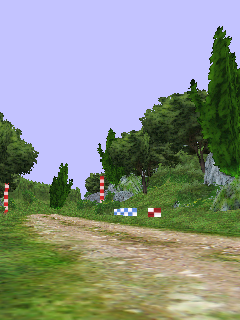
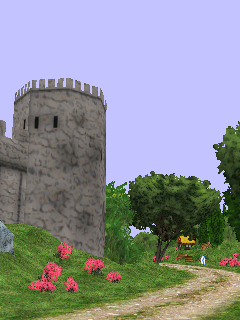
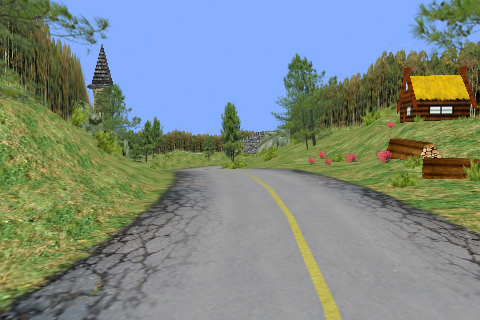
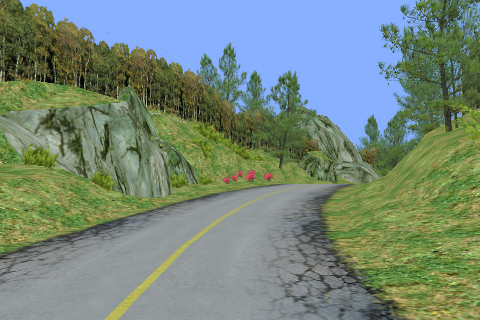
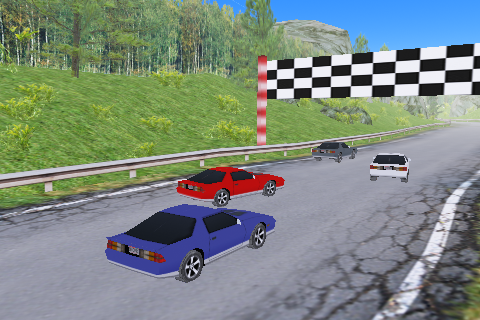
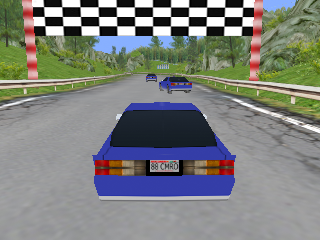
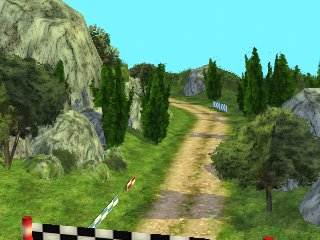
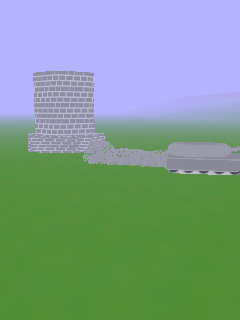
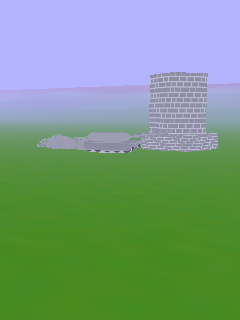
We started to develop a racing game on that platform, but the project never went over the level design and rendering bug fix stage.
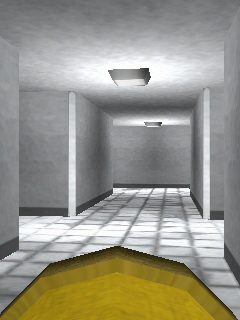
Here are some actual screenshots from a nokia N82:
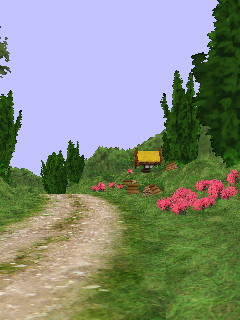
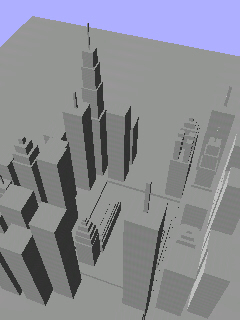
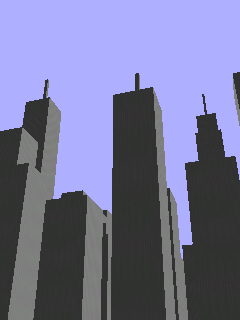
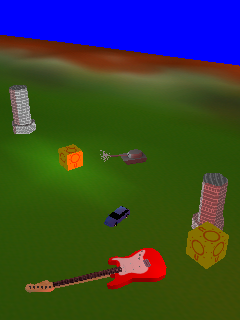
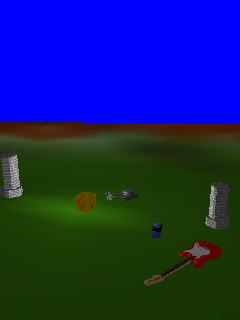
Some concept renders (non-engine):
Additional rendering features
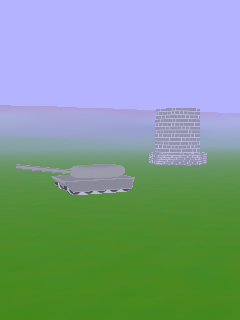
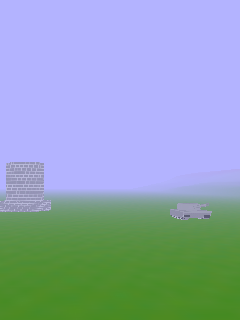
During the later stage of the engine additional features where added. These included fog, particles effects, lights and model loading.
Switcher
Switcher announcement promised it for all S60 devices from S60 3rd edition to S60 5th edition. The control scheme was simple: left and right switches between tasks, up opens a task, down kills a task. The 3D model of the task manager itself is in the download area, so the engine could display a task icon.
- switcher_v0_1_0.sis An early version of the task manager project
WLAN file transfer
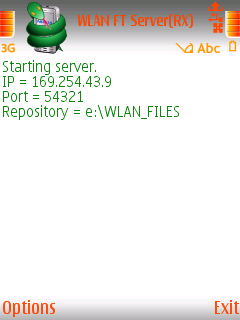
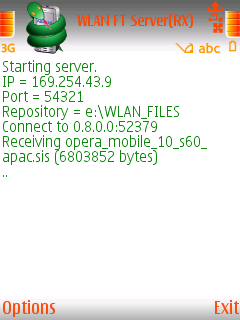
WLAN file transfer sends files from one S60 device to another one over a WLAN connection. It came from two scripts by Marcelo Barros de Almeida (marcelobarrosalmeida@gmail.com) under the GPL 3 license. I merged both scripts into one file and packed it into an application. The package contains the application for 3rd and 5th edition devices plus the source. The application was packed with Python 2.0, so Python 2.0 is needed to run it, and the source script runs on other versions through a shell script.
WLANFT.rar is unfortunately corrupted and lost forever




Where the projects went after that
The Python engine project stopped in january 2011. The C++ rewrite took its place, and that engine is covered in the 2012 engine post. The task manager continued on this blog and is covered in the Switcher post.