HwR, hardware sensor monitor for Android
This post collects the whole history of one project. The desktop server HwInfoTransmitter reads the sensor data of your Windows machine, and the mobile client HwInfoReceiver, later called HwR, shows these sensors on your Android device. The notes below cover June 2014 until May 2018.
The idea in June 2014
My laptop GPU died, and the engine work had to wait. So I started a small tool instead. It reads the sensor information of a desktop machine and sends it to an Android device for monitoring. The server reads the sensor data from HWInfo, and the server side was almost done within weeks.
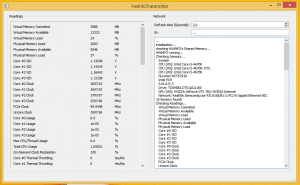
The plan for the code was this: the sensor retrieval server stays free and closed source, at least the sensor retrieval code and the shared memory layout. The Android client gets published without charge and might be fully open source.
Features in August 2014
- monitor all sensors that HWInfo offers
- work inside a WLAN or LAN network, or over the internet
- a SQLite database on the Android side to keep the settings
- save multiple servers and their sensors
- planned: gauges, bars, more options
Alpha in February 2015
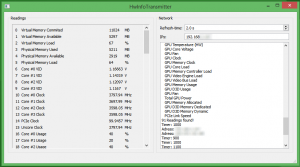
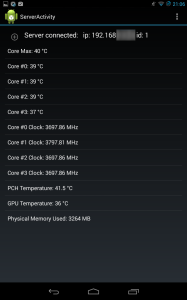
The app reached alpha status and the UI was still rough. Three files are needed to run the setup, because the client alone does nothing.
- HWInfo: get it from hwinfo.com
- desktop server: HwInfoTransmitter-release-v1.0.zip
- Android client: HwInfoReceiver-debug.zip
The important step is inside HWInfo itself. The shared memory option must be enabled, and the sensors must be running. Without that step the server has no data to read.
New GUI in October 2016
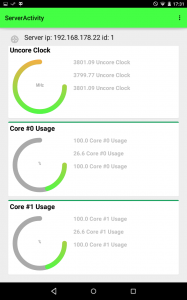
The old layout showed few gauges on the screen. The new GUI fits many more gauges, and it was still work in progress. The remaining steps were the font size, the connection of gauges to sensor data, the setup UI for gauges and a layout bug with scrolling.
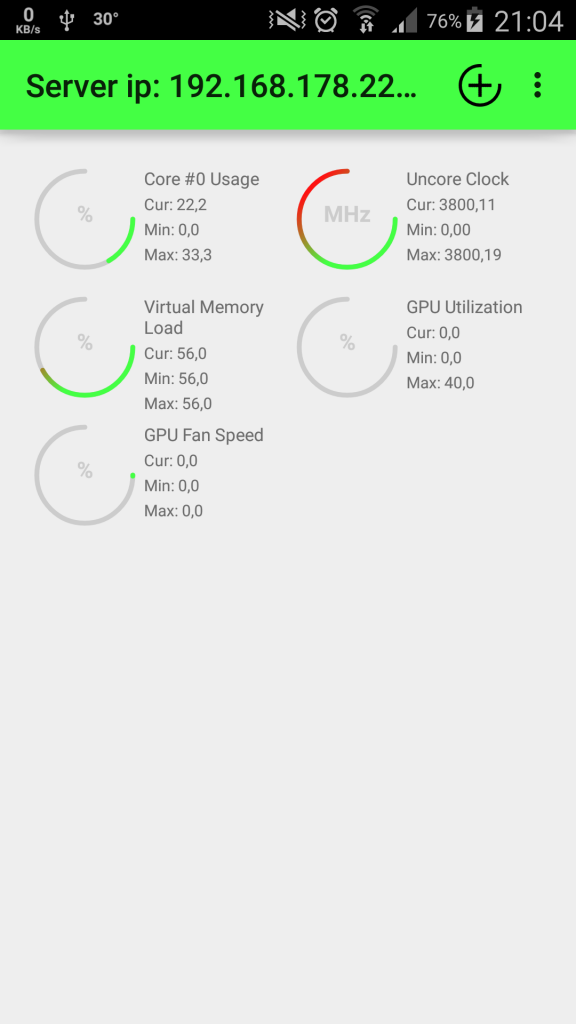
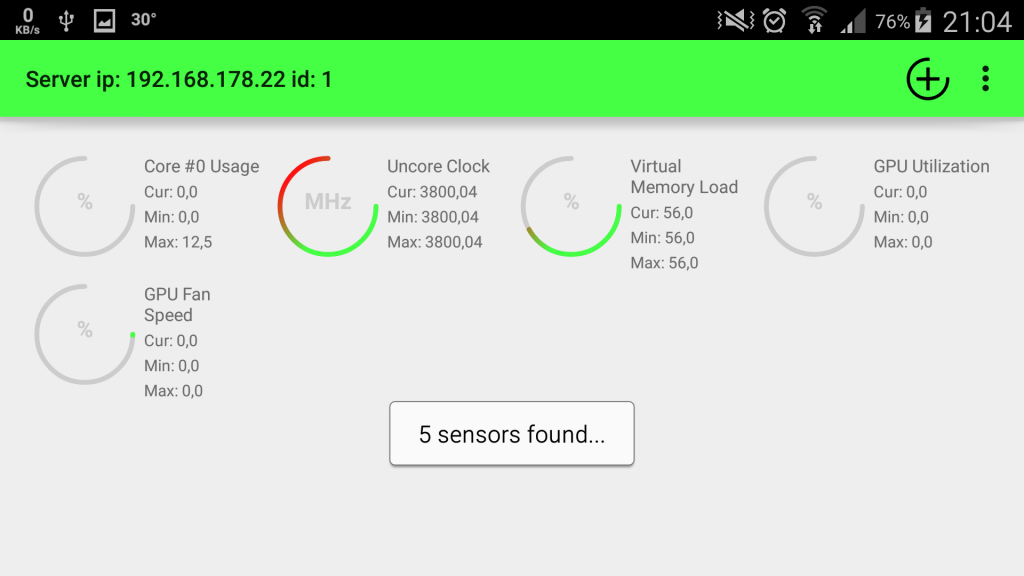
In the same month the app got the short name HwR, and the open beta went live on the Playstore. The beta allowed 1000 downloads, because the version could be very unstable.
- HwR on the Playstore
- desktop build for that beta: HwInfoTransmitterReleaseOpenBeta.zip
Update 1.5 in February 2017
New in the app:
- keep the screen on while you view sensors, as a setting
- add sensors by name from the phone instead of by id
- bug fixes
The desktop counterpart got the same update. Get the desktop build here. Two days later I fixed the desktop app, because it did not respond to client requests.
Update 1.6 in May 2018
- fixed font colors for the dark theme
- custom scale for the texts next to the gauges
- custom scale for temperature values
- minimum and maximum values now scale automatically depending on the input values
This is the state of the app today. The Playstore link above is the current download.